
Subscribe to our new Definitive newsletter: High grade digital marketing guidance, topically sorted, and curated to the max.
You pick the categories, we deliver the content. The best content from around the web, on topics you care about and need to be an expert in.

Although we consult primarily for large and medium-sized businesses here at Convince & Convert, we are often asked online and in speaking engagements about social media management tools for smaller businesses. Several tools have been developed specifically for SMBs, although they’re often overlooked because they don’t get as much love from Mashable, AdAge, and beyond.
If you’re thinking about adopting a social media management tool, there are several questions you should be asking yourself and your team before you dive in. It’s important to make sure you’ve identified why you want to use a management or monitoring platform and what you hope to gain out of it. Using a social media management platform is a commitment and an investment in terms of both your time and your bank account, so picking the right one the first time is ideal. Also realize that it’s more about the wizard than the wand. No tool is a panacea. It’s about what you do with it.
Here are some questions to consider before we start looking at potential solutions:
What are you trying to accomplish by using a social media management tool?
Some answers to this might be:
- Improved workflow
- Keyword monitoring and listening
- All-in-one view of social media channels
- Better engagement across multiple networks
- In-depth analysis of your social media marketing program
You might have other goals that you’re trying to achieve here. No matter what your overall goal or goals are, it’s important to identify them first.
What (specifically) are you trying to measure?
- Are you evaluating user engagement over time or for a specific campaign?
- Are you trying to measure the value of each post as it relates to sales?
- Are you looking for increased chatter about your brand or topic across the web?
- Are you stacking your brand up against a competitor to see who performs best?
How much do you care about your competitors?
- Are you using your competitors as examples for what you should do?
- Are you looking to see where users are interacting with competitors?
- Do you want to see which topics or keywords your competitors are ranking for?
- Are you not really worried about your competitors at all at this stage?
What’s your budget?
This is always a difficult question for SMBs because they’re often unsure of the value-add that a social media dashboard can provide, and therefore don’t know how much is reasonable to spend. Luckily, most of these tools include a free trial so you can start measuring and monitoring immediately. Keep in mind, however, that building up your social media presence and seeing results can take time, so don’t give up if you haven’t seen the arrows move in just 30 days.
Choosing a Social Media Management Tool
Most of the tools below have options for every type of social media scenario that small and medium-sized businesses may encounter, but certain aspects of each tool are more robust than others. This is why you should have a clear goal in mind before evaluating your options, so you can choose the one that offers the tools that are most closely aligned with your objectives.
SproutSocial
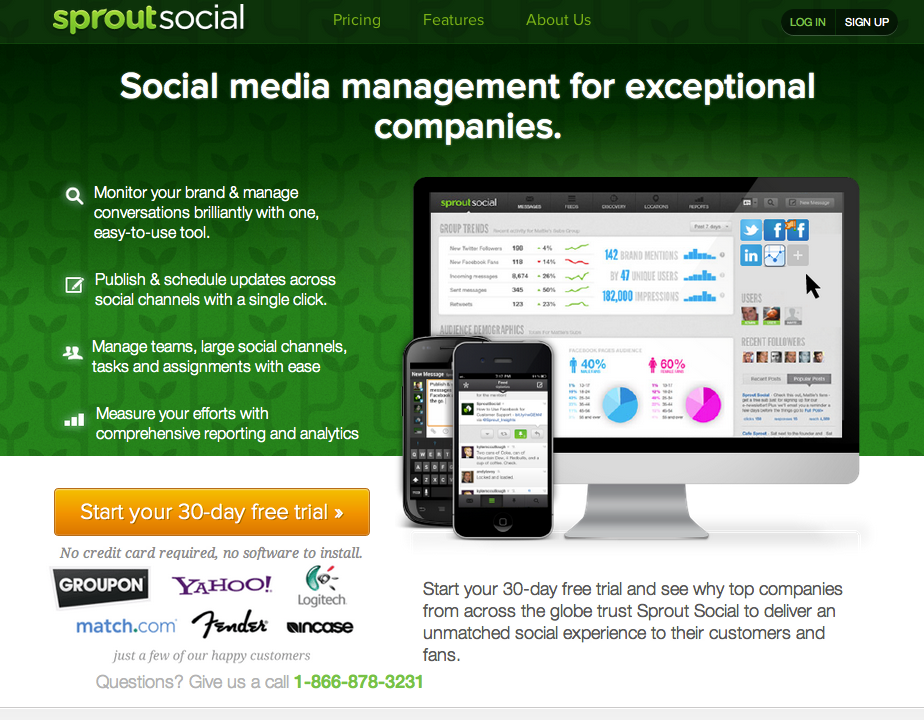
SproutSocial is a social media management and monitoring platform known for its slick dashboard and its Messages view, which pulls in all of your activity from all networks into one stream.

Pros:
- Unified inbox to see all activity in one stream
- Scheduling functionality
- Keyword monitoring on Twitter
- Easy following, responding, retweeting capabilities from directly within the dashboard
- “Discovery” feature with suggestions of who to follow/unfollow based on silent/irregular accounts, who is following you, and keyword search
- Robust reporting features plus exporting functionality (to Excel or PDF)
- Workflow management features, including assignment of tasks to follow up with tweets/posts
- iPhone and Android apps
Cons:
- Supports Twitter, Facebook, Google+ and LinkedIn only, does not support Instagram or Pinterest.
- Can be expensive for teams as the pricing is “per seat”.
Pricing:
- 30-day free trial
- $59/user/month for 10 profiles (1 user)
- $99/user/month for 20 profiles (1 user)
- $500/month for 40 profiles (3 users)
- Enterprise plans available upon request
Best for:
- Improved workflow across teams
- All-in-one view of all activity on all social media channels
- Small budget
- Agencies needing advanced reporting for clients
Agorapulse
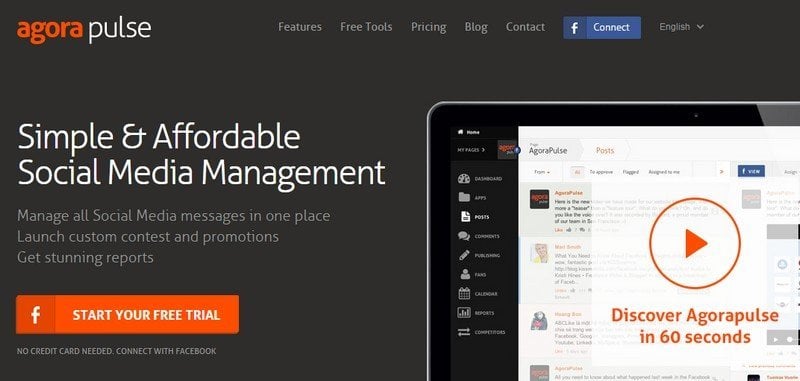
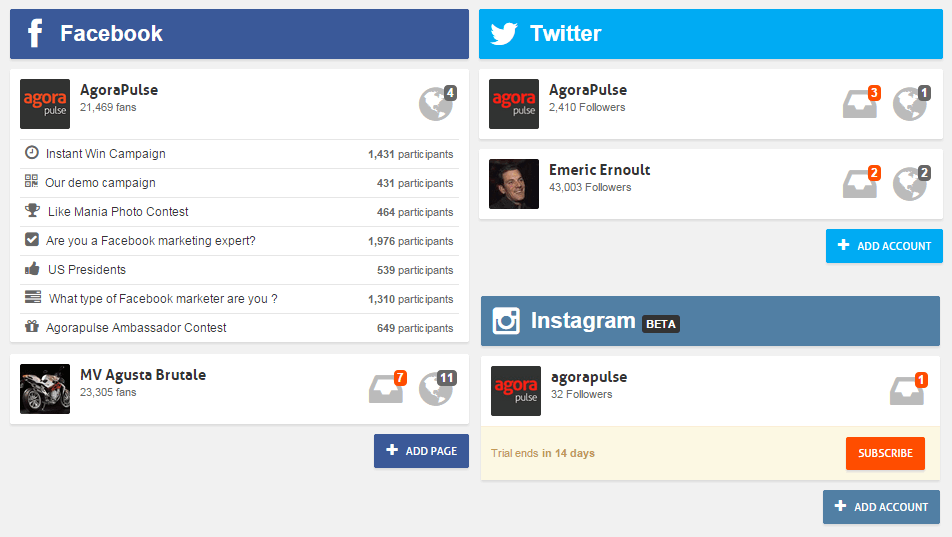
Agorapulse is a social media management and CRM platform known for its all-in-one approach combining Social Media publishing, monitoring, statistics and contests. It’s focusing on an inbox-like approach to help you manage Social Media activity in the same way you manage you email inbox.
Pros:
- Scheduling and content calendar functionality
- Workflow management features including assignment of tasks to follow up with tweets/posts
- Controlled access and limitations for different users
- Identify most active users on Facebook, Twitter and Instagram
- Access to each user profile with full conversation history
- Inbox-like system to easily spot new messages on each account
- Easy following, responding, retweeting capabilities from directly within the dashboard
- Reporting features plus exporting functionality (to Powerpoint)
Cons:
- Supports Facebook, Twitter, and Instagram only
- Its posting functionality isn’t great, using Buffer in addition to Agorapulse is probably needed.
Pricing:
- 14-day free trial
- $29/month for 3 Social Media Accounts (1 Facebook page, 1 Twitter account, 1 Instagram account), unlimited users/admins
- $49/month for 6 Social Media Accounts (2 Facebook pages, 2 Twitter accounts, 2 Instagram accounts), unlimited users/admins
- $99/month for 15 Social Media Accounts (5 Facebook pages, 5 Twitter accounts, 5 Instagram accounts), unlimited users/admins
- $199/month for 30 Social Media Accounts (10 Facebook pages, 10 Twitter accounts, 10 Instagram accounts), unlimited users/admins
Best for:
- SMBs who need an all-in-one solution on a budget
- Small and medium agencies who need multiple admin accounts
- Monitoring of Facebook pages, Twitter accounts and Instagram accounts in the same platform
- Users who want to use a single tool for monitoring, CRM, reporting and running contests and promotions
Buffer
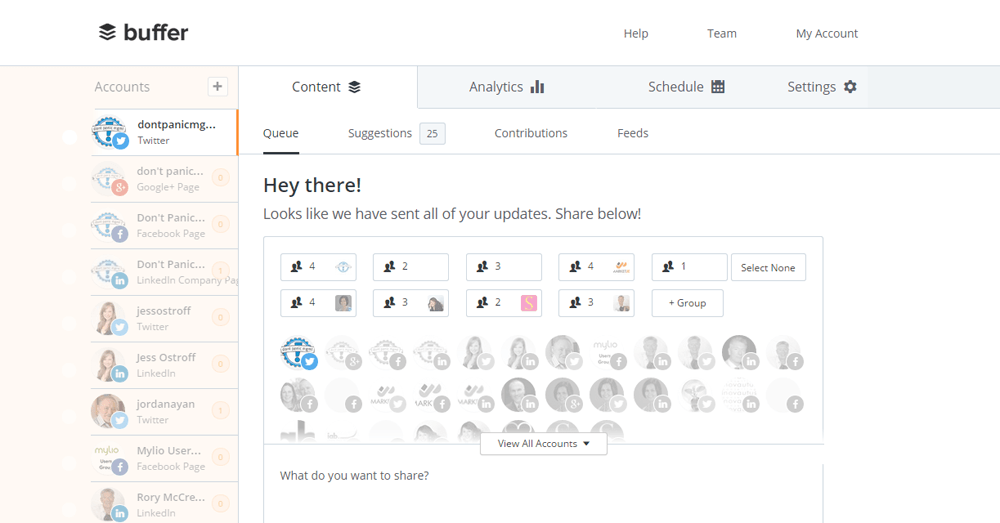
Buffer is probably the first tool that innovated in the Social publishing space by creating a queue system. They’ve been copied a lot, but never equalled! The product has evolved (and improved) a lot since its inception in 2011.
Pros:
- Integrates with all the major social networks
- Good analytics about your content performance, helping you refine your strategy over time
- Enhanced schedule times by analyzing your past performance
- Sleek and user-friendly interface
- Integrates with all the major content platforms (Feedly, pocket, CoSchedule, Scoop.it, and many, many others)
- The Buffer sharing button is present on most blogs, so you can post content in Buffer from practically anywhere
- Outstanding company culture, probably one of the best, and that goes with awesome and fast support!
Cons:
- Buffer is limited to publishing content, you’ll need another tool for monitoring, statistics, etc.
- It’s not possible to re-publish evergreen content automatically, you need to re-enter it manually
Price:
- Free for 3 Social Media accounts
- $ 9/month for 10 accounts
- $50/month for 25 total accounts
- $100/month for 50 total accounts
- $250/month for 150 total accounts
Best for:
- Publishing with ease on all your Social Media accounts
- Small budgets
Raven Tools
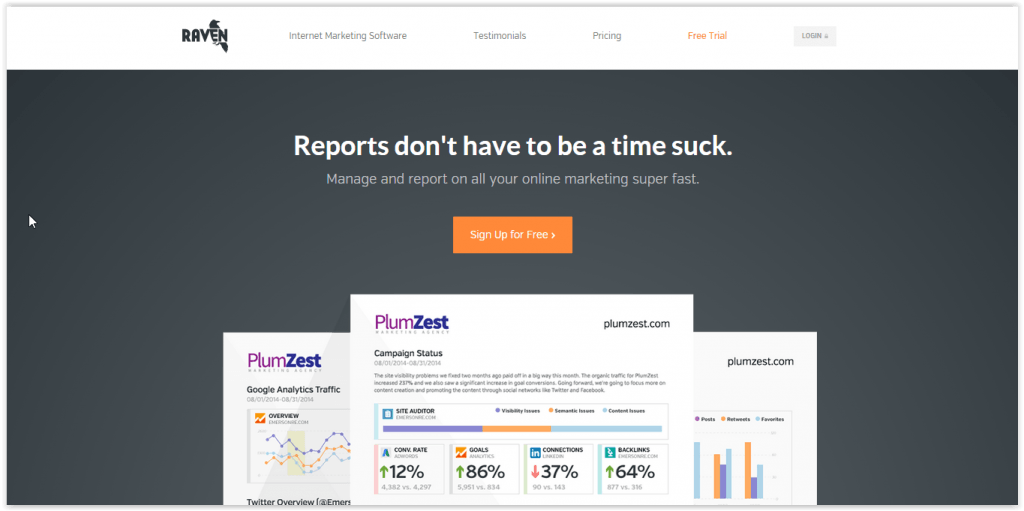
Raven Internet Marketing Tools provides a bit more than your standard social media management or monitoring platform because it also includes SEO and advertising components, all of which you can measure and analyze individually from within Raven’s dashboard.
Pros:
- Includes SEO tools for campaign research, management, and link monitoring
- Scheduling functionality
- Workflow management features including assignment of tasks to follow up with tweets/posts
- Controlled access and limitations for different users
- Includes Google Adwords integration so you can create Adwords campaigns directly inside the dashboard
- Keyword monitoring and analysis
- Customized reporting features
- Includes a CRM system
- One-stop-shop for all things related to a digital marketing campaign
Cons:
- Supports Facebook, Twitter, LinkedIn and YouTube only, not Google+, Instagram or Pinterest
- Because it’s not designed specifically for social media management, its posting functionality isn’t great
- The entire tool isn’t as intuitive or visually appealing on the back end as some other options
- Can be overwhelming for small businesses as it does much more than just Social Media
Pricing:
- 30-day free trial
- $99/month for 4 users, unlimited websites, unlimited social media accounts, 1,000 keyword rankings, 50,000 managed links
- $249/month for unlimited users, unlimited websites, unlimited social media accounts, 2,500 keyword rankings, 150,000 managed links
Best for:
- SMBs who have a large-scale social media/digital marketing campaign running and need to manage it all in one place
- Keyword monitoring and listening
- In-depth analysis of your social media marketing program
- Bigger teams with more social channels/websites to manage
Likeable Local
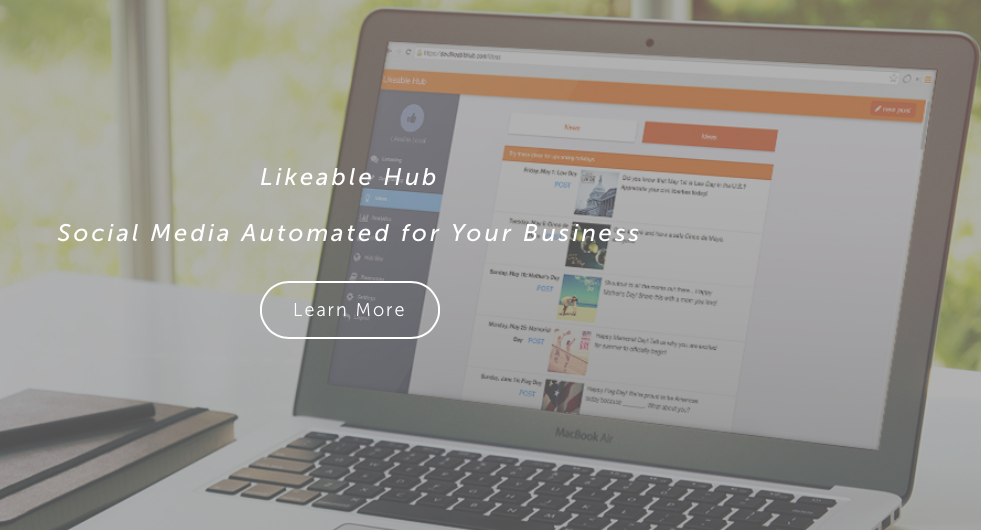
Likeable Local provides all the basic functionalities a social media marketer might need (including scheduling, keyword tracking, reports, and social listening tools), plus a few unique features like automatic post boosting, an Idea Library with news updates and topic inspiration, and lead generation tools. Likeable Local also provides a free app for managing social accounts via mobile.
Pros:
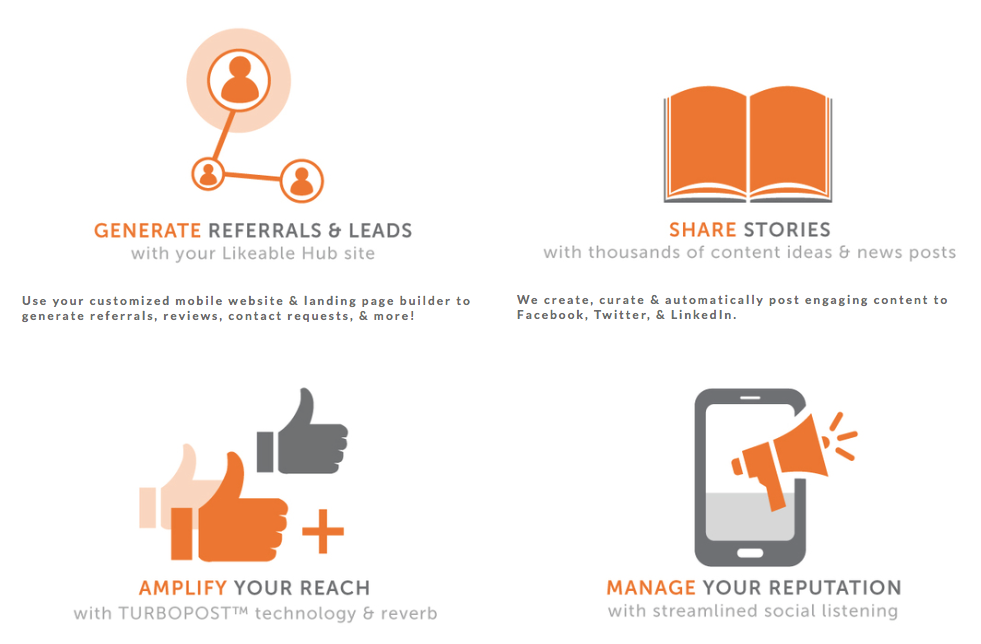
- Content creation and scheduling
- Access thousands of social media post ideas and relevant news pieces in the Idea Library
- Turbopost™ technology to automatically boost all Facebook posts
- Custom Facebook ads on Expert and Pro plans
- Mobile-optimized Likeable Hub website, including referral and lead generating landing pages and forms
- Multi-channel social media listening and keyword tracking
- Success dashboard and weekly report emails to measure your growth
- Free mobile app to post on-the-go
Cons:
- Doesn’t currently support Pinterest or Google+
- Can’t tag people or add location when posting through the platform
Pricing:
- Free: Hub App, persona profile integration
- VIP: $20/month, unlimited Facebook and LinkedIn business pages
- Expert: $299/month, industry-specific content creation
- Pro: $599/month, dedicated account manager
Best for:
- SMBs who need one platform for all their social needs
- Small to medium digital marketing agencies
What did we miss? What’s your favorite social media management tool?